
Unload Speed Settings
A Settings page with 1x, 5x, 10x and 20x unloading speed, plus separate fill and empty speed for manure and slurry spreaders.

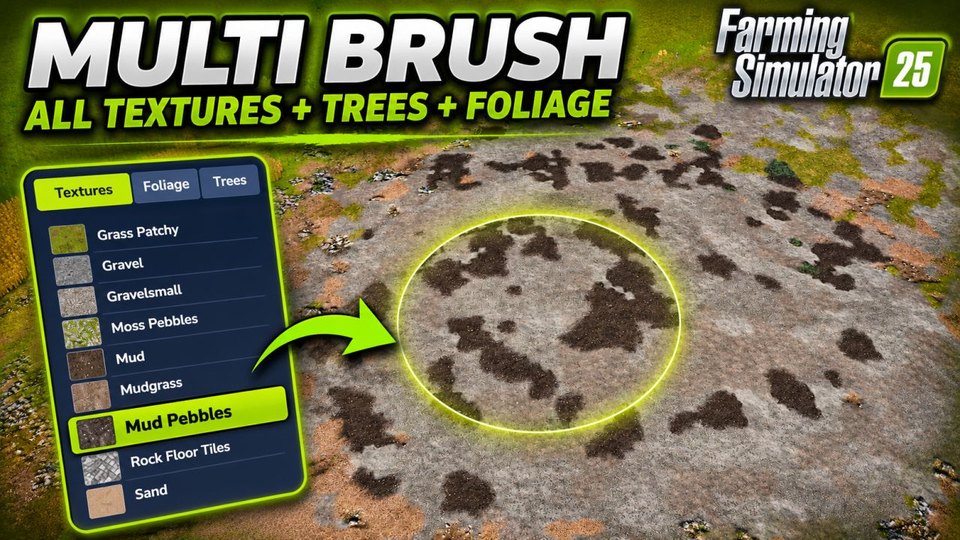
Pick several ground textures, foliage and trees at once in construction mode and paint them mixed with one brush. A full catalogue panel lists everything from the base game, maps and DLC.
Documents\My Games\FarmingSimulator2025\modsYes. Multi Brush Select is a free Farming Simulator 25 mod, available to download on KingMods.
Download the zip from KingMods and copy it, without unzipping, into your mods folder: Documents\My Games\FarmingSimulator2025\mods. Then start the game and enable the mod for your savegame.
This page is the Farming Simulator 25 version of Multi Brush Select.
A Settings page with 1x, 5x, 10x and 20x unloading speed, plus separate fill and empty speed for manure and slurry spreaders.
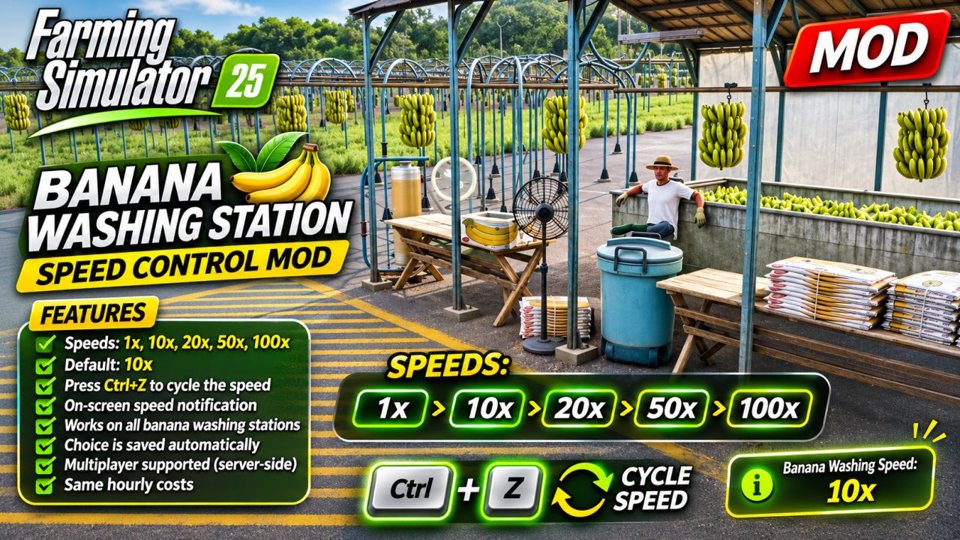
The banana washing station works much faster, and you switch the speed with one key.
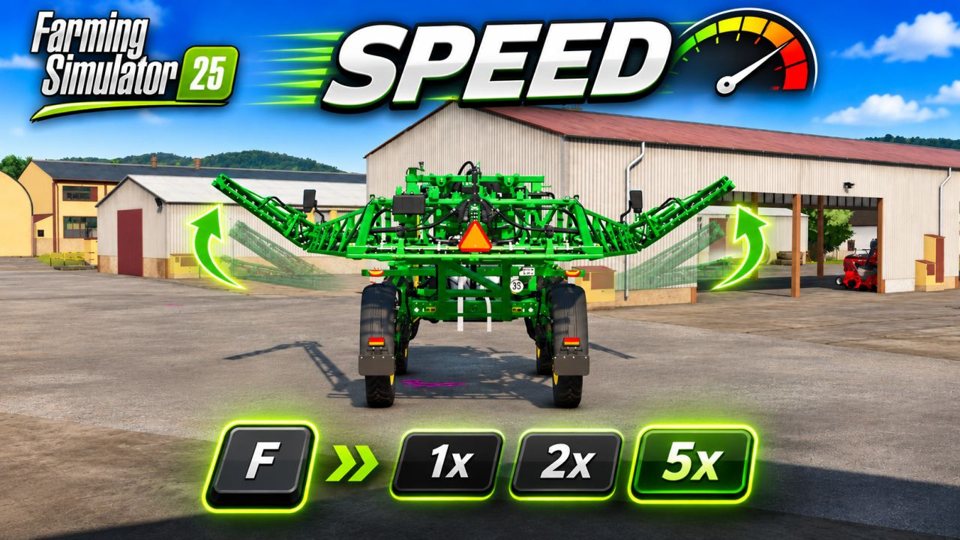
Speed up all vehicle and implement animations with a single key.